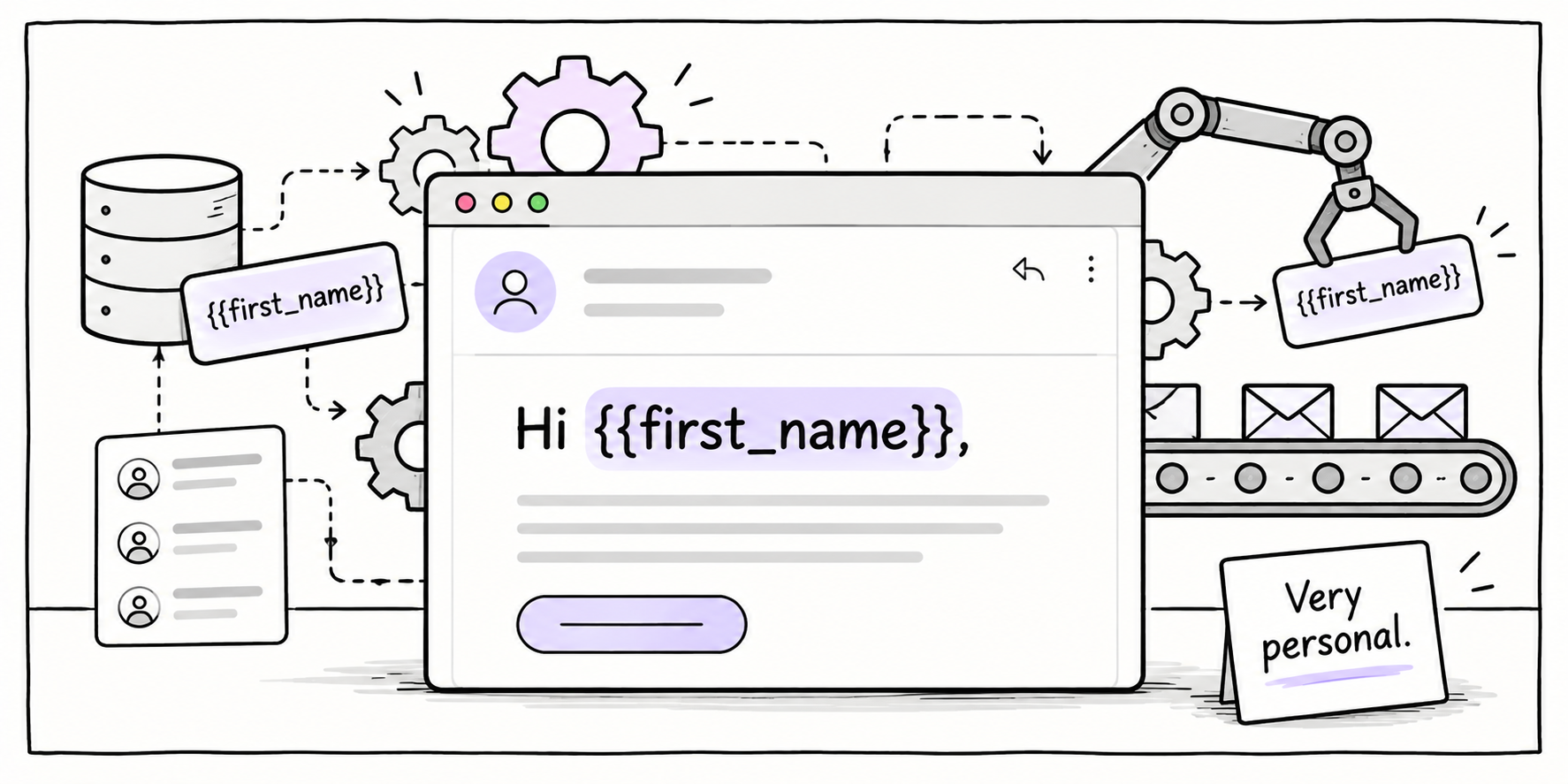
Hi {{first_name}}


Beautiful. Nothing says "we know you" like showing the code you forgot to hide. Let's dive in.
Personalization is supposed to make an email feel more relevant to the person reading it. But a broken merge tag does the opposite.
It tells the reader:
- The data was missing;
- The fallback wasn’t set;
- The email wasn’t tested properly;
- The “personal” message was just a template with a broken variable.
That’s why Hi {{first_name}} is not just a funny mistake, it’s a trust problem.
It’s a trust problem.
Because the second someone sees it, they stop reading the email as a message from your brand and start reading it as a broken automation.
The curtain drops, the system is showing, and now the email feels careless.
What Probably Went Wrong
This happens for one of a few reasons.
The team added first-name personalization, but not every subscriber had a first name attached to their profile.
Or a merge tag syntax was wrong… or the email was tested with a perfect internal test profile, but not with incomplete data… or the template had no fallback copy for missing fields.
In other words, the email was built for the best-case version of the data.
But real lists are messy. Some people sign up with only an email address (I’ve done that many times).
Some names are lowercase, or fake, and some people don’t want to give you a name.
So if your email depends on having clean first-name data, you need to be sure that data actually exists.
Otherwise, your “personalized” email becomes a screenshot waiting to happen.
Why It Matters
Bad personalization creates the wrong kind of attention.
The reader is no longer thinking:
“This message is relevant to me.”
They’re thinking:
“They messed up my data.”
And that is not where you want someone’s mind to go. The issue gets bigger when the email is connected to something important, like:
- An account update;
- A purchase;
- A renewal;
- A booking or transaction;
- A support message.
The more trust-sensitive the email, the less room you have for sloppy personalization.
A broken merge tag in a fun newsletter is embarrassing.
A broken merge tag in a financial, crypto, healthcare, legal or account-related email can feel much worse, because the reader might wonder:
If they got this wrong, what else is wrong?
The Fix
The fix is simple:
Never personalize with a field you don’t trust.
If you want to use first-name personalization, check three things before sending:
- Do we reliably collect this data?
- Is the data clean enough to use?
- Do we have a fallback if the field is missing?
If the answer to any of those is no, don’t force it!
Use a neutral opening instead.
Instead of Hi {first_name}…
Use Hi there,
Or even better, skip the greeting and get straight to the value.
Let’s go down a few of them:
| Weak | Better |
| Hi {{first_name}}, your weekly update is here. | Your weekly update is here. |
| {{first_name}}, your offer is ready. | Your offer is ready. |
| Hey {{first_name}}, ready to continue? | Ready to continue? |
Sometimes the best personalization is not using the person's name, sometimes it's making the email more useful.
The Better System
Before adding personalization to an email, run a quick personalization QA check.
Ask yourself:
- What happens if the first name is missing? If the name is lowercase? If it’s fake? No information given?
- Does the email still make sense with a personalized field?
- Is the personalization actually improving the message?
That last question matters, because a lot of email personalization is just decoration.
Adding someone’s first name to a generic email doesn’t automatically make it relevant. Relevance comes from context.
What did they sign up for?
What action did they take?
What do they need next?
This is where personalization becomes useful.
Not when it says: Hey Sarah…
But when it helps Sarah do the thing she came to do.
Email Roast
Let’s be honest.
Hi {first_name} is your email platform screaming “I was not supervised.”
It’s not personalization, it’s a cry for QA!
It’s the email equivalent of walking into a meeting with your notes still saying:
[INSERT SMART THING HERE]
The good news? It’s preventable.
The bad news? Once it lands in someone’s inbox, they will absolutely notice.
Takeaway
Personalization should make an email feel more useful, not more exposed.
If your merge tag breaks, your reader doesn’t see effort.
They see the system behind the message. And that is the bigger lesson:
Do not personalize just because the tool lets you.
Personalize because the data is reliable, the fallback works, and the detail helps the reader move forward.
Next issue, we’ll go deeper into when personalization actually makes sense, and when it can backfire depending on your audience, your data and your industry.
Because in some categories, especially privacy-sensitive ones, the most trustworthy email might be the one that feels a little less personal.
Want a second set of eyes on your emails?
Plotnicki helps teams fix broken campaigns, lifecycle gaps, newsletters and email systems that should be working harder.
Reply to this email or click the link below so we can take a look.